
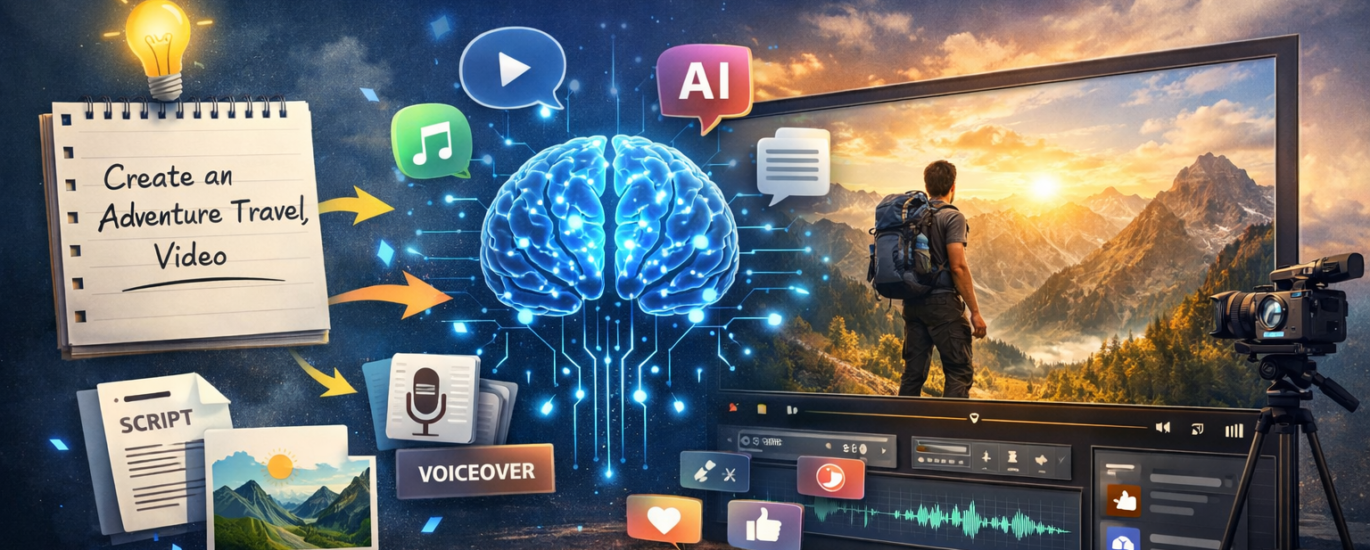
Artificial Intelligence is changing the way content is created. No longer is it necessary to have professional skills in video editing to create content that is of high value. With the help of Artificial Intelligence tools like GravityWrite, you can create a complete video content piece simply by typing a small idea or sentence.
What is GravityWrite?
GravityWrite is an Artificial Intelligence tool that is a content generation platform that helps content creators create different types of content. With this tool, you can create content such as:
Blog content
YouTube scripts
Social media content
Marketing content
Video ideas
The biggest advantage of this tool is that it makes content creation a lot easier.
No longer is it necessary to take hours to create content. With this tool, you can create content in a matter of seconds.
How to Create a Video Using GravityWrite
GravityWrite is a tool that uses Artificial Intelligence to create content. When you input a small idea or sentence, it creates content.
For instance, when you input a sentence such as:
“Create a motivational video about success.”
GravityWrite creates:
Video script
Scene ideas
Voiceover text
Captions and titles
This makes it easier to create content, especially when who want to produce content regularly.
Step-by-Step Guide to Using GravityWrite
Step 1: Open the GravityWrite Website
First, you have to open the official GravityWrite website and create a free account.
Once you have logged in, you can see various AI tools available inside.
Step 2: Select the Content Tool
Once inside, you can choose from various tools available:
Blog writer
Script generator
Video content creator
Social media content tools
If you want to create a video, you can choose the video script/content generator tool.
Step 3: Enter Your Idea or Prompt
Then you have to write a simple idea:
For example:
“Create a YouTube video about AI tools for beginners.”
“Make a short motivational video script.”
This is just an idea; you can write anything.
Step 4: Generate the Script
Once you have entered your idea, you can click on the ‘generate’ button. The tool will automatically create:
Introduction
Main talking points
Ending/call-to-action
This script can be directly used to create YouTube videos.
Step 5: Convert Script into Video
Once you have this script, you can convert it into a video using video creation tools:
Stock footage
AI voice narration
Background music
Captions
This method is widely used by creators that who want to produce faceless youtube videos quickly Why Content Creators Are Using GravityWrite
Here are some of the reasons why content creators are using this AI tool:
Fast Content Creation
The AI tool can create content, such as scripts and ideas, within seconds.
Beginner Friendly
The tool does not require any writing or editing skills to use.
Multiple Content Creation
The tool can be used to create blogs, scripts, ads, and social media content.
Saves Time
The tool saves time for content creators.
Best Use Cases for GravityWrite
The tool can be used by the following content creators:
YouTube creators
Bloggers
Affiliate marketers
Social media managers
Digital marketers
The tool can help these creators focus more on their ideas rather than spending hours writing.
Final Thoughts
AI tools like GravityWrite are revolutionizing the way content creators are producing digital content. With just a prompt, the tool can create scripts and ideas for YouTube creators within seconds.
The tool is beneficial for both beginner and professional content creators, enabling them to produce content faster and smarter in today’s competitive digital world.